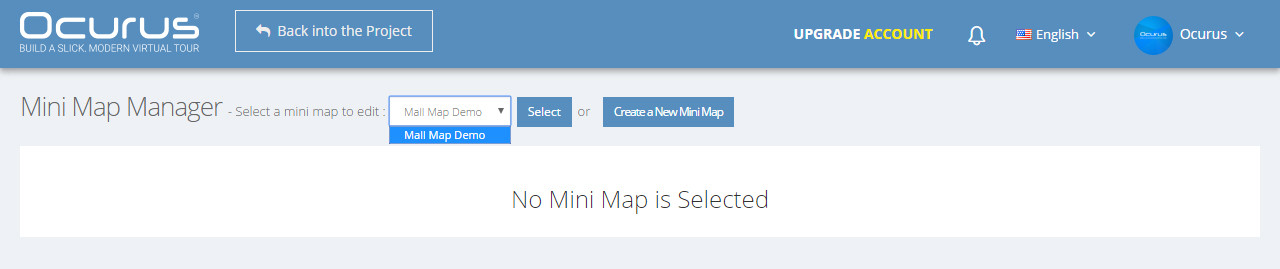
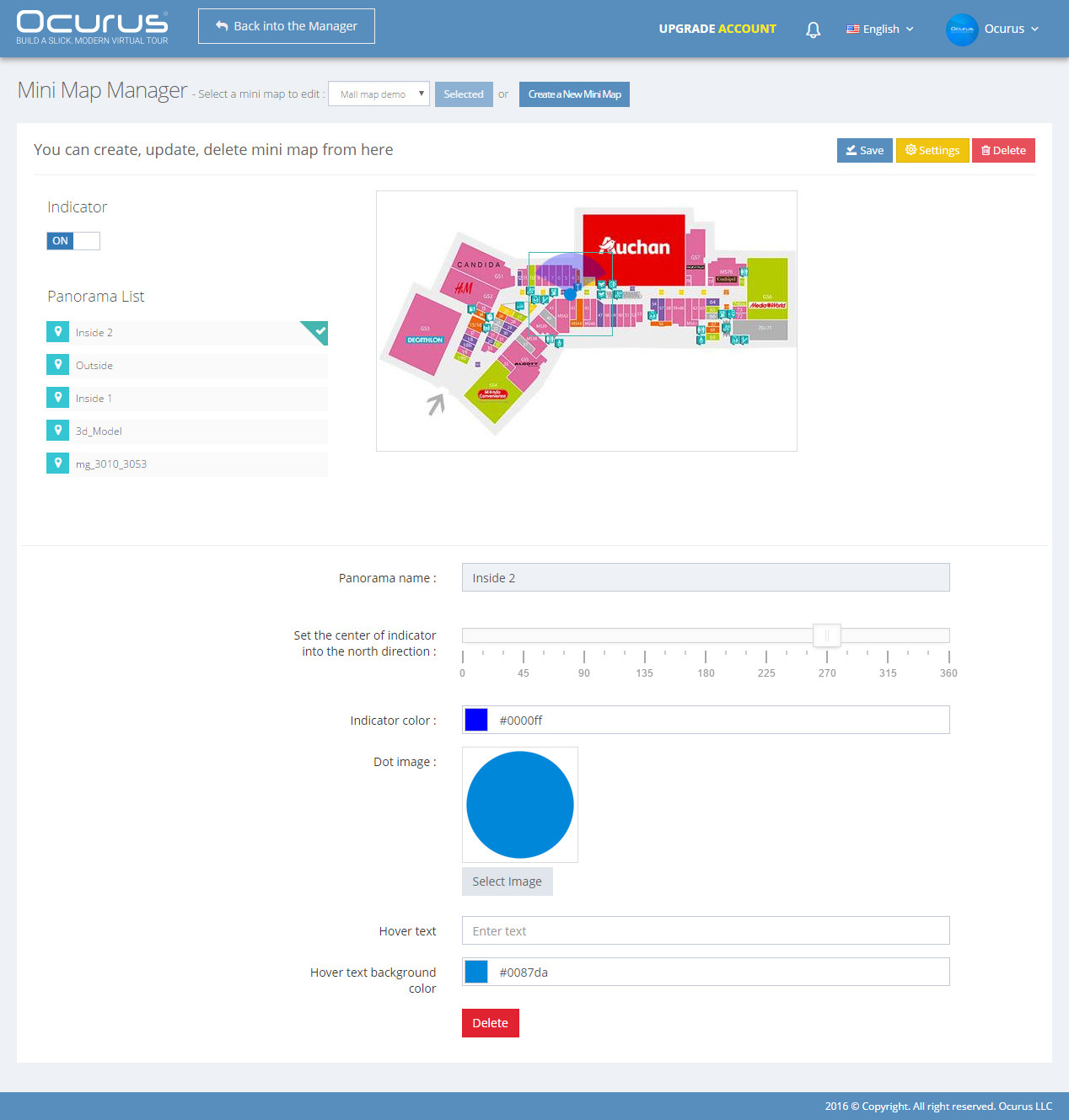
Hello, In this tutorial we will teach you how to edit mini map. To do this, you should select your mini map from the drop down and click "Select" button. Now your Mini Map Manager will be filled.
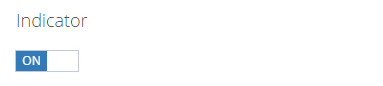
If you "on" the Indicator as image shown above, it will enable a viewing indicator of all panoramas. With help of this indicator, you can see a current panorama field of view. (Tip: You should set both panoramic view and mini map indicator into the north direction. Then your virtual tour will always looks one direction on navigating).
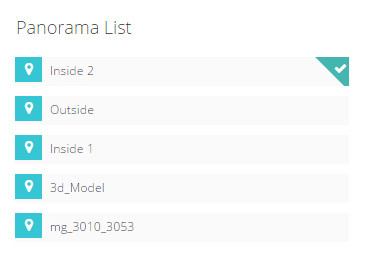 |
From the "Panorama List", you can select a panorama to add it into your mini map image as a panorama dot. To to this, you should click on the panorama to select it. Then click on the mini map image, where the current panoramic view is located. |
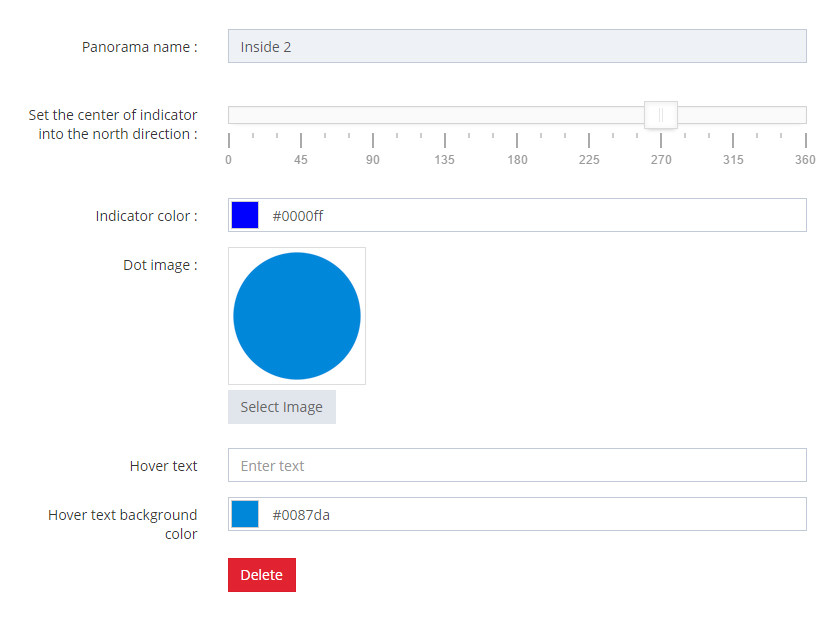
In this options, you can edit your options related with panorama dot on the map.